Configuring CentOS AS VPS(Virtual Private Server)
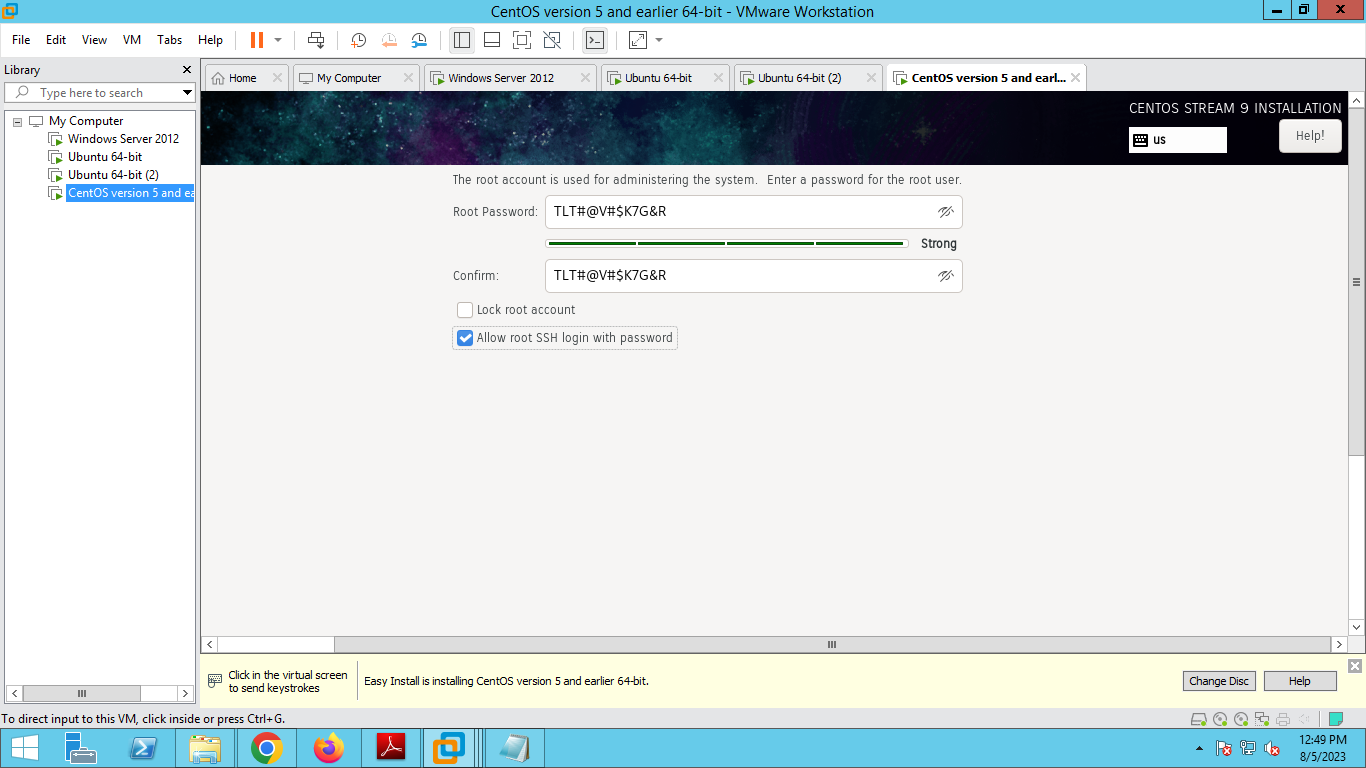
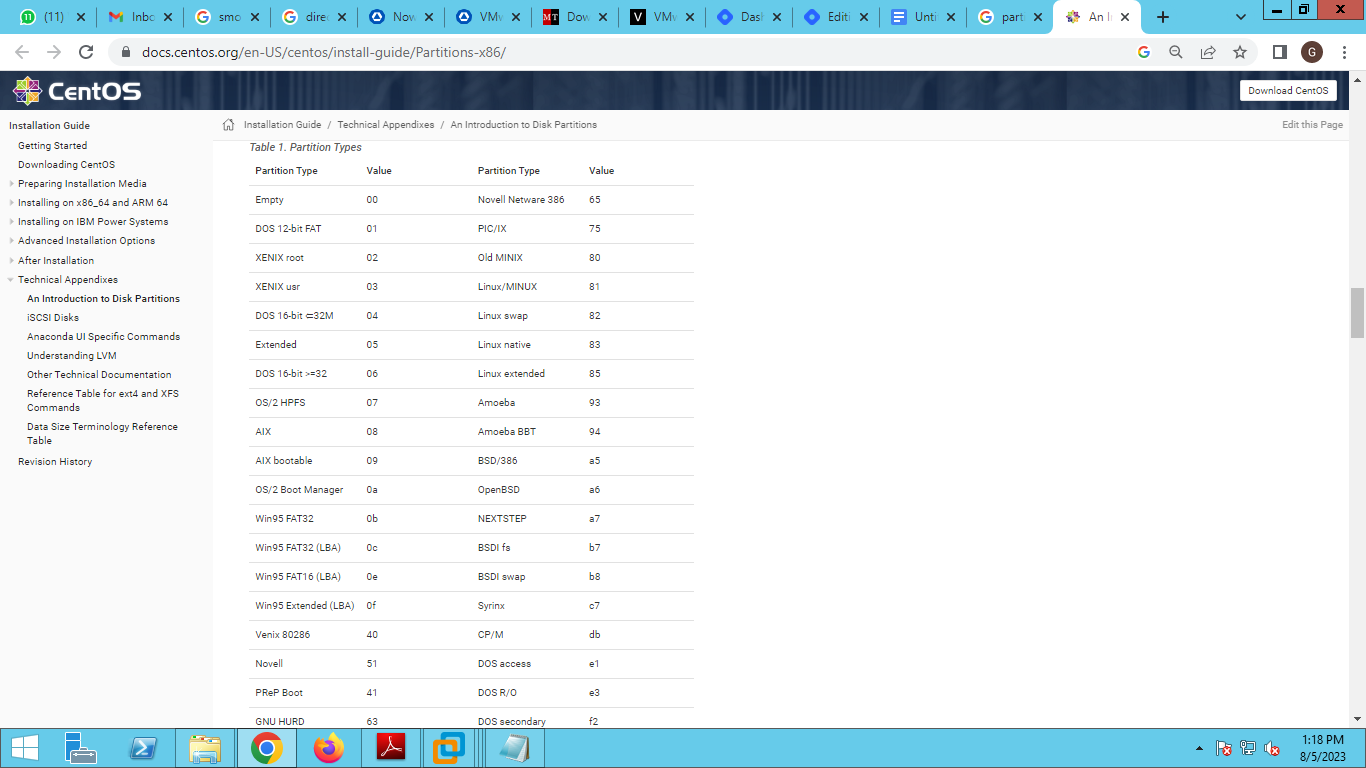
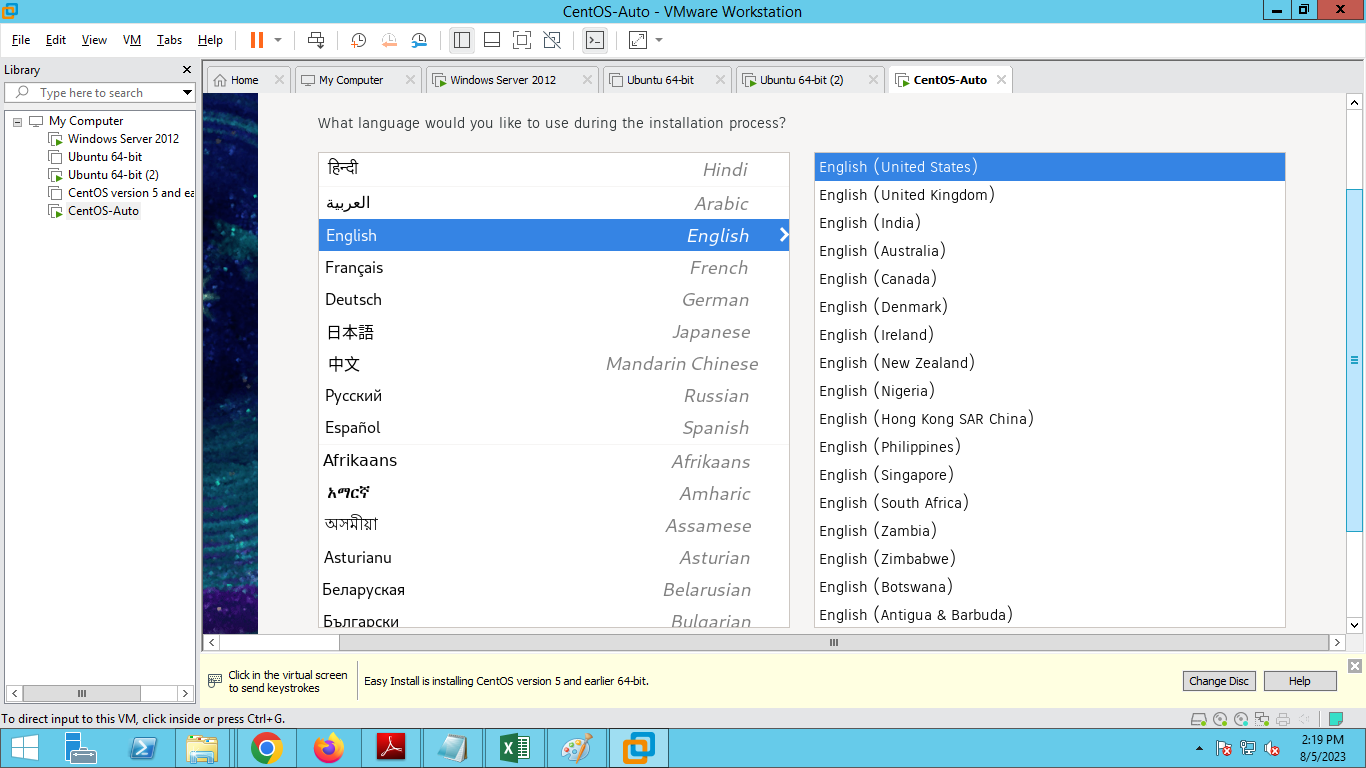
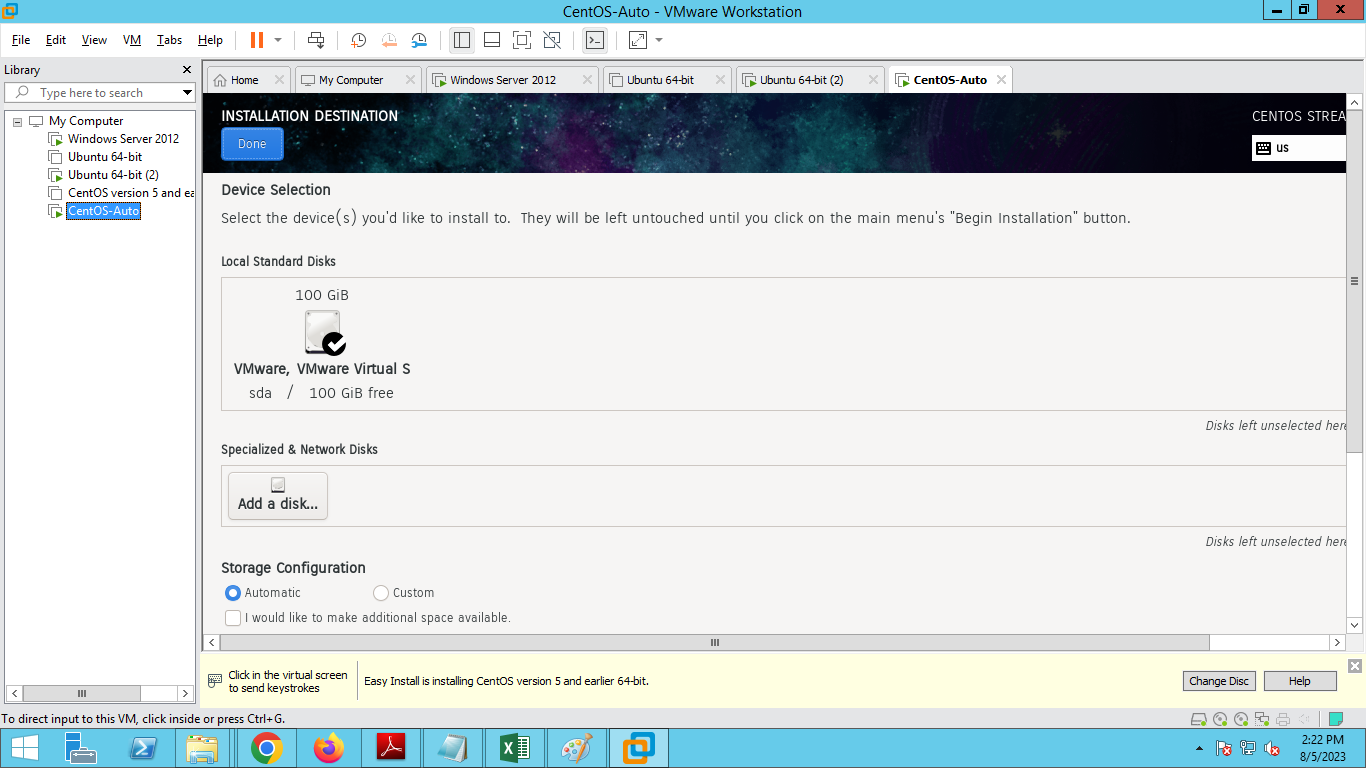
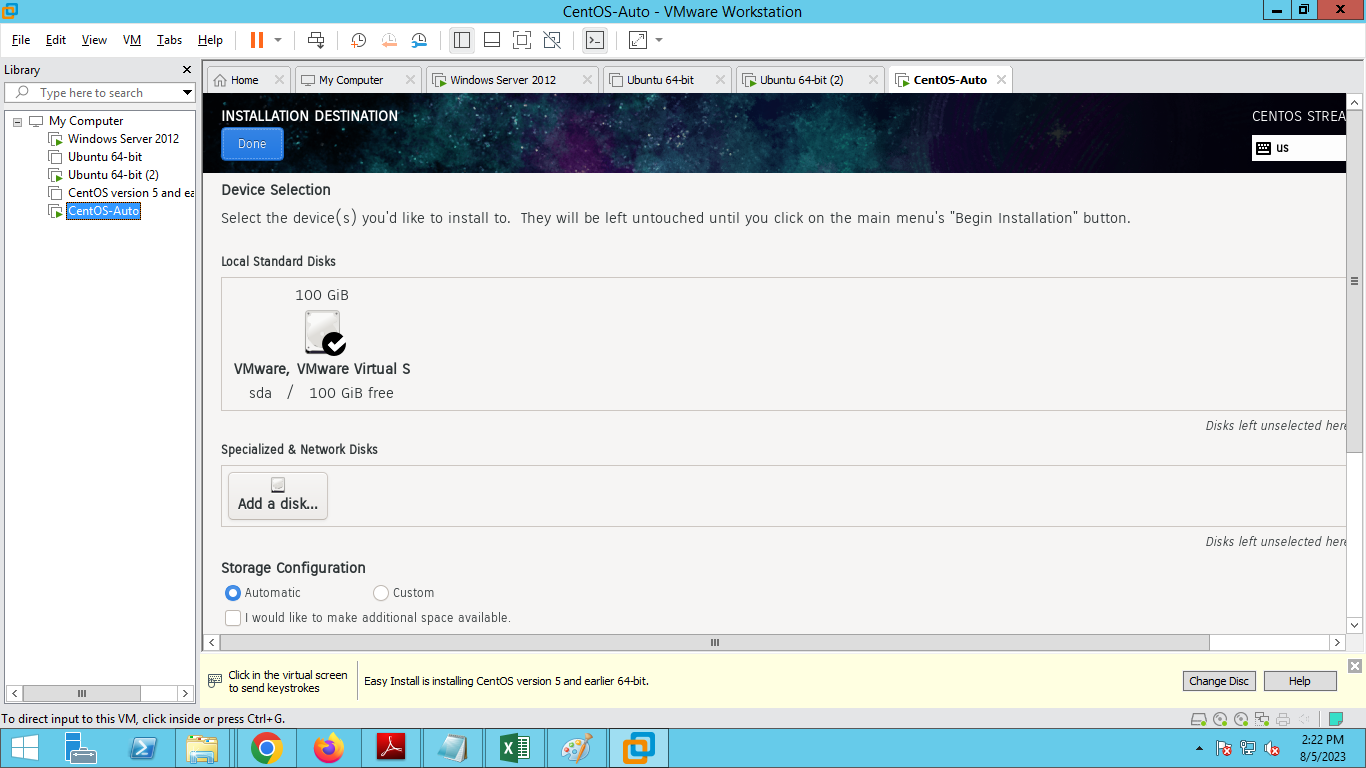
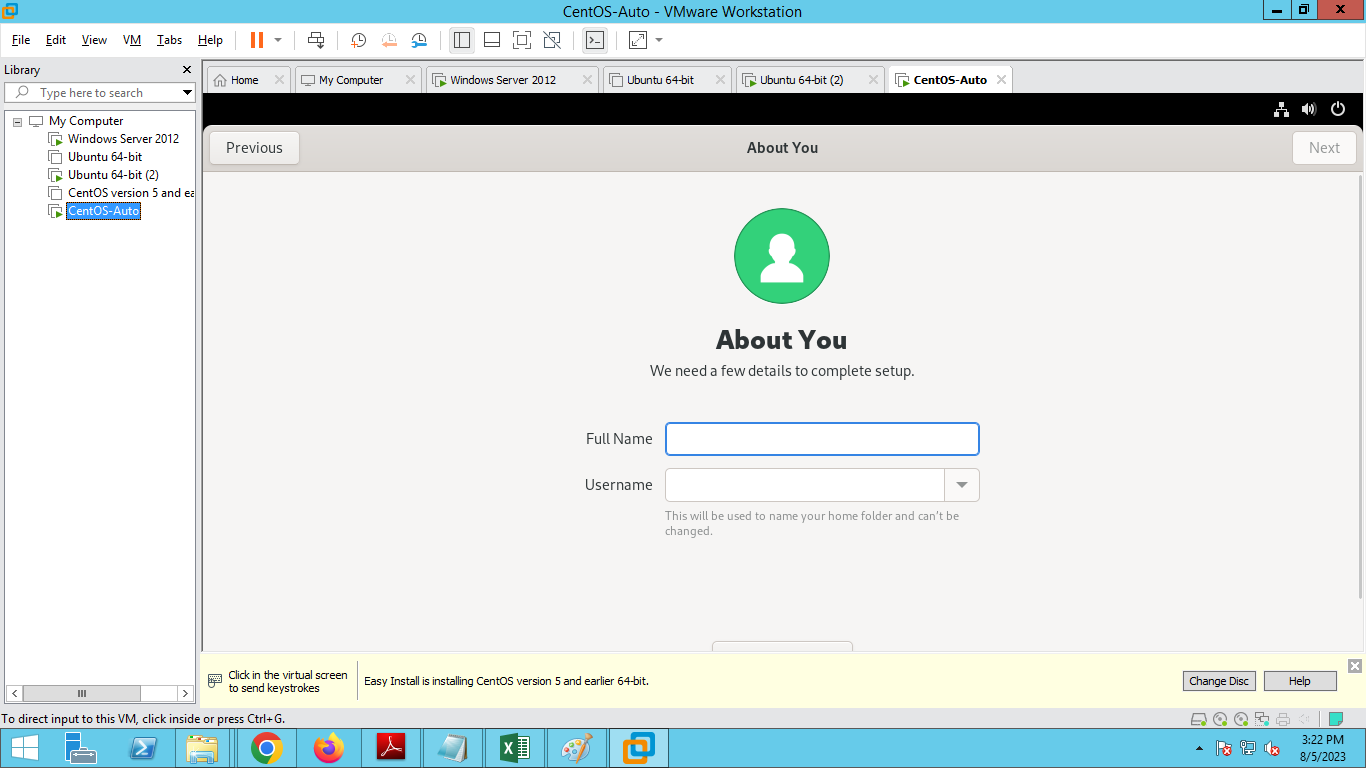
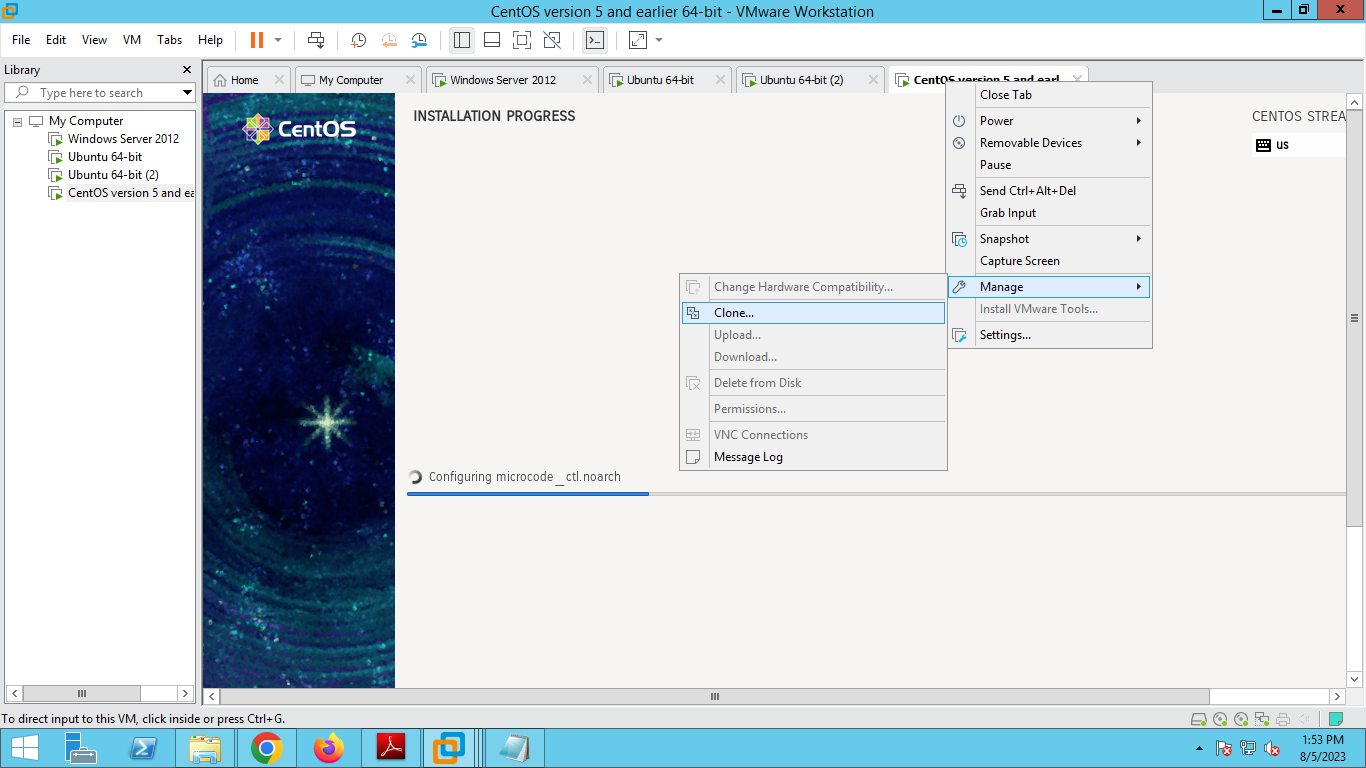
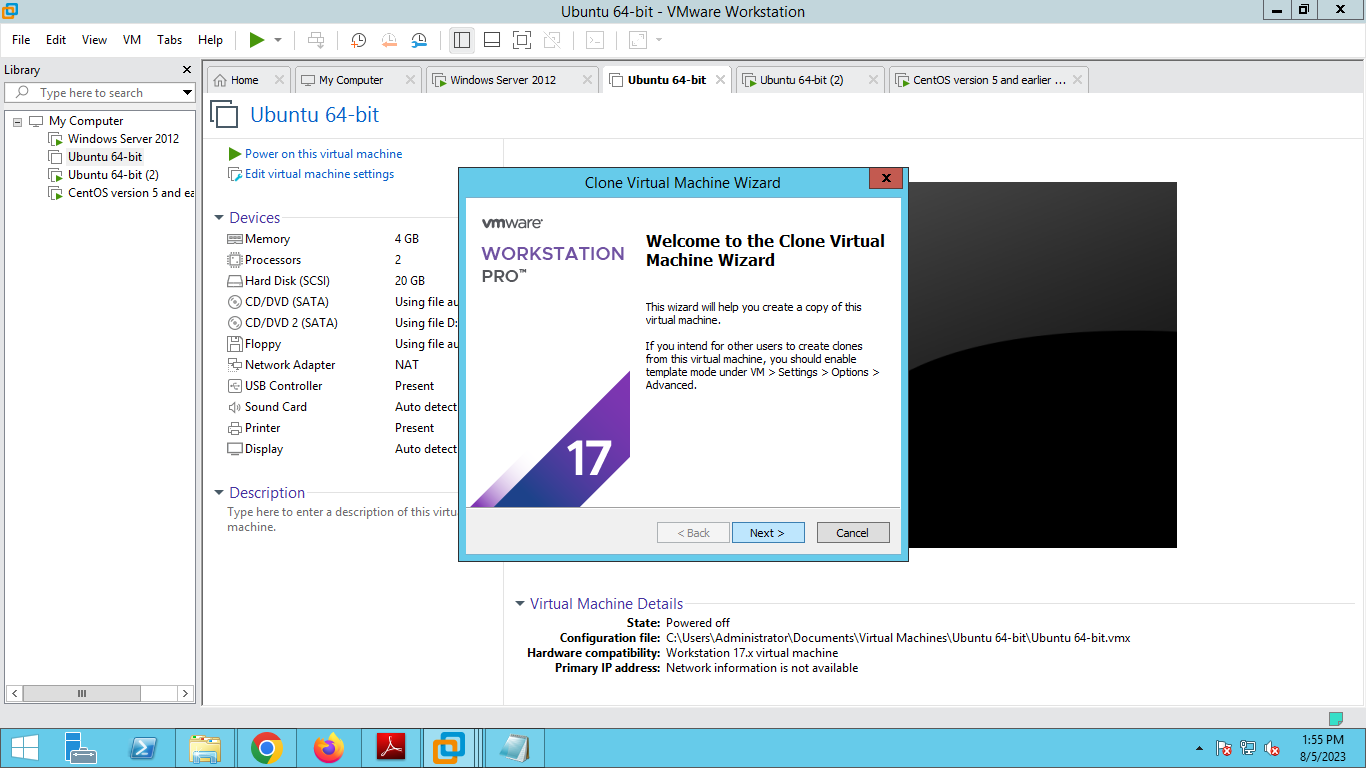
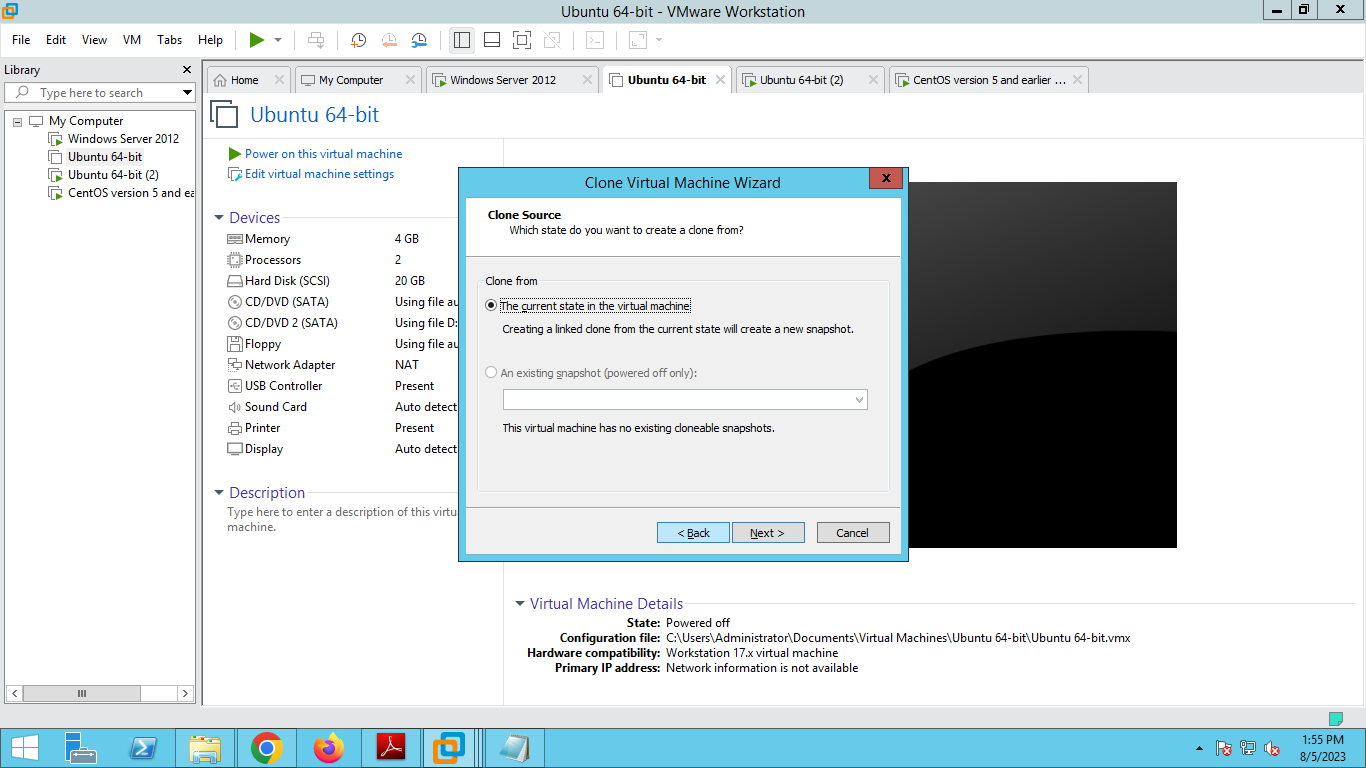
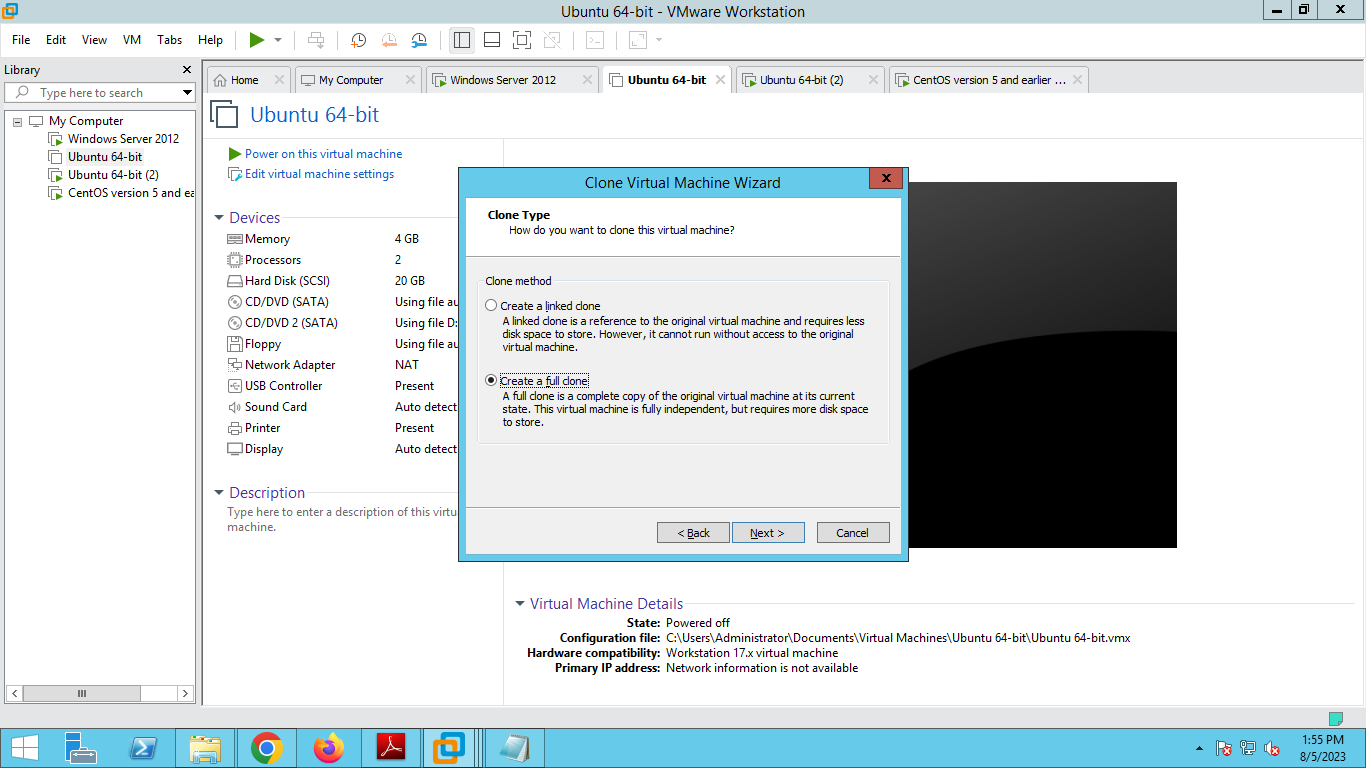
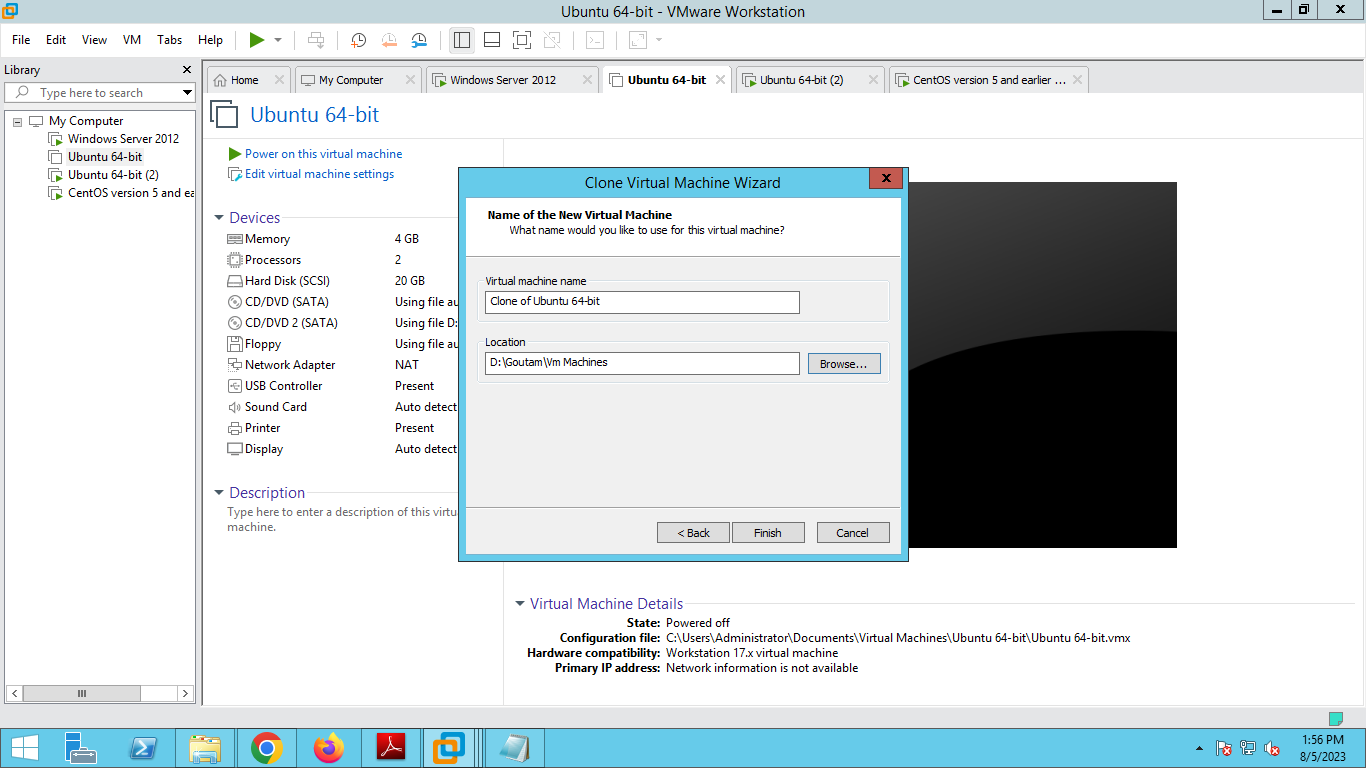
Cloninig of VM's
Configuring The NAT Gateway
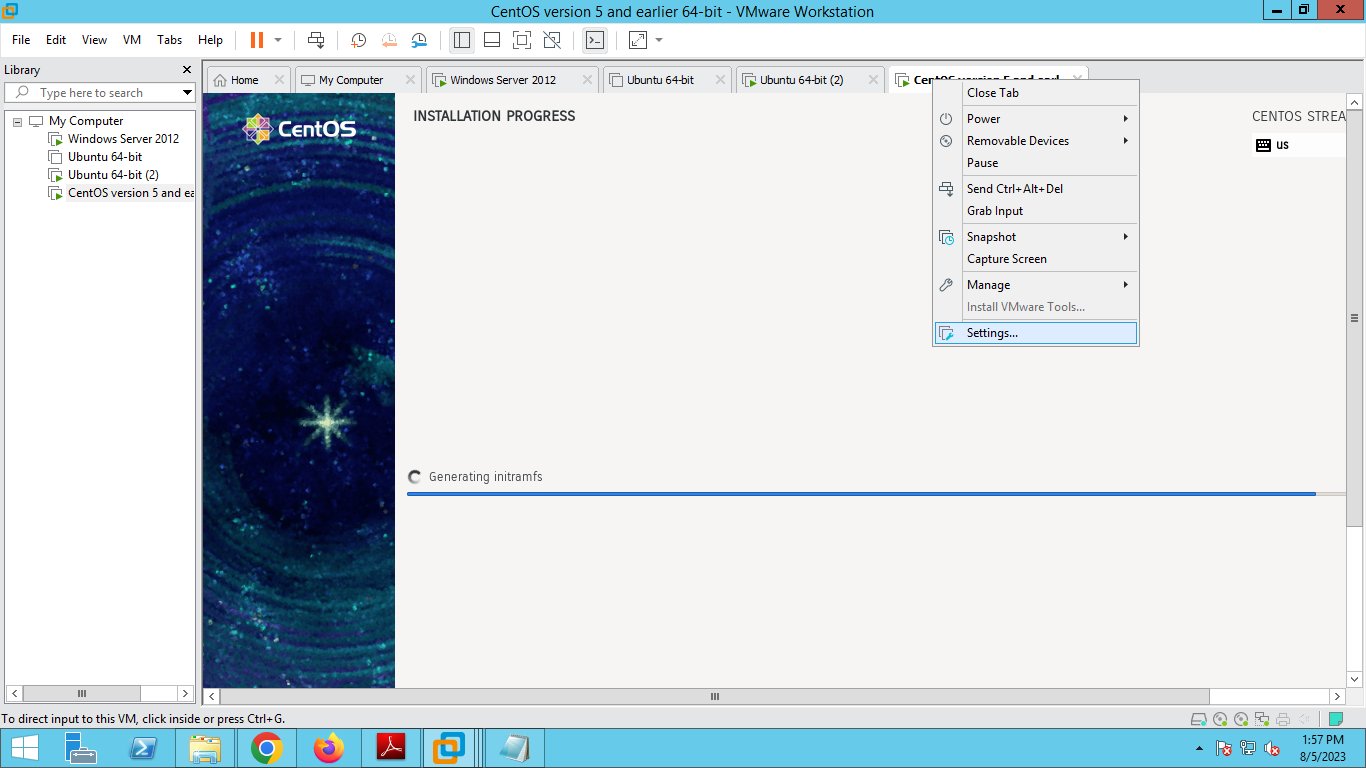
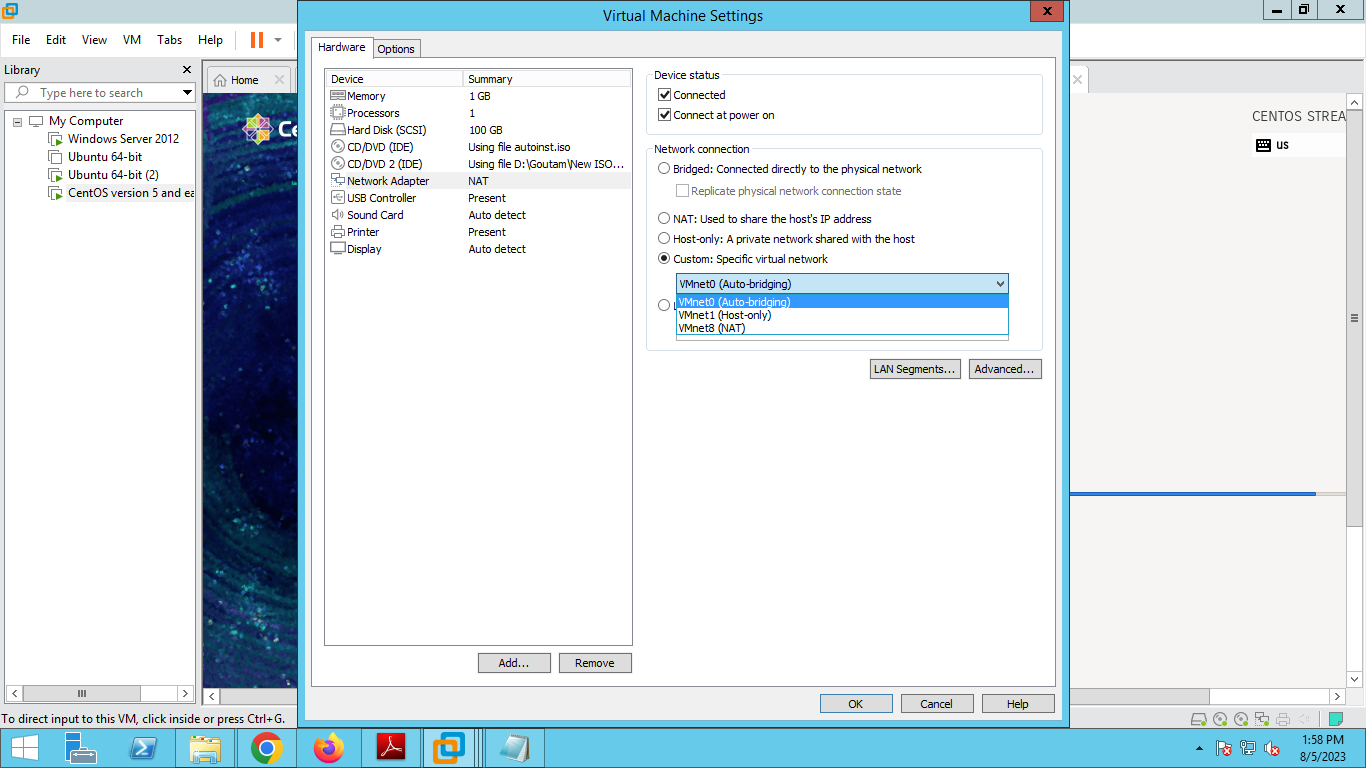
ip addr show(to show the ip address in ens33)
Reboot the Systems.
Queries:Access to all the servers via ssh from the admin host and configure the hostname,create users with password.
ssh root@192.168.233.146
ip addr(verify the ip address)
hostnamectl set-hostname vps-server(set the host name)
exec bash
useradd goutam
passwd goutam

cat /etc/shadow | grep goutam
Configure for server 2
ssh root@192.168.233.147
ip addr(verify the ip address)
hostnamectl set-hostname vps-server(set the host name)
exec bash
useradd goutam
passwd goutam

cat /etc/shadow | grep goutam
Configure static IPv$ Address to all the app servers and database servers.The Access host,(i.e. admin )
ip r
To Configure ip address in Linux
nmtui(network manager text user interface)
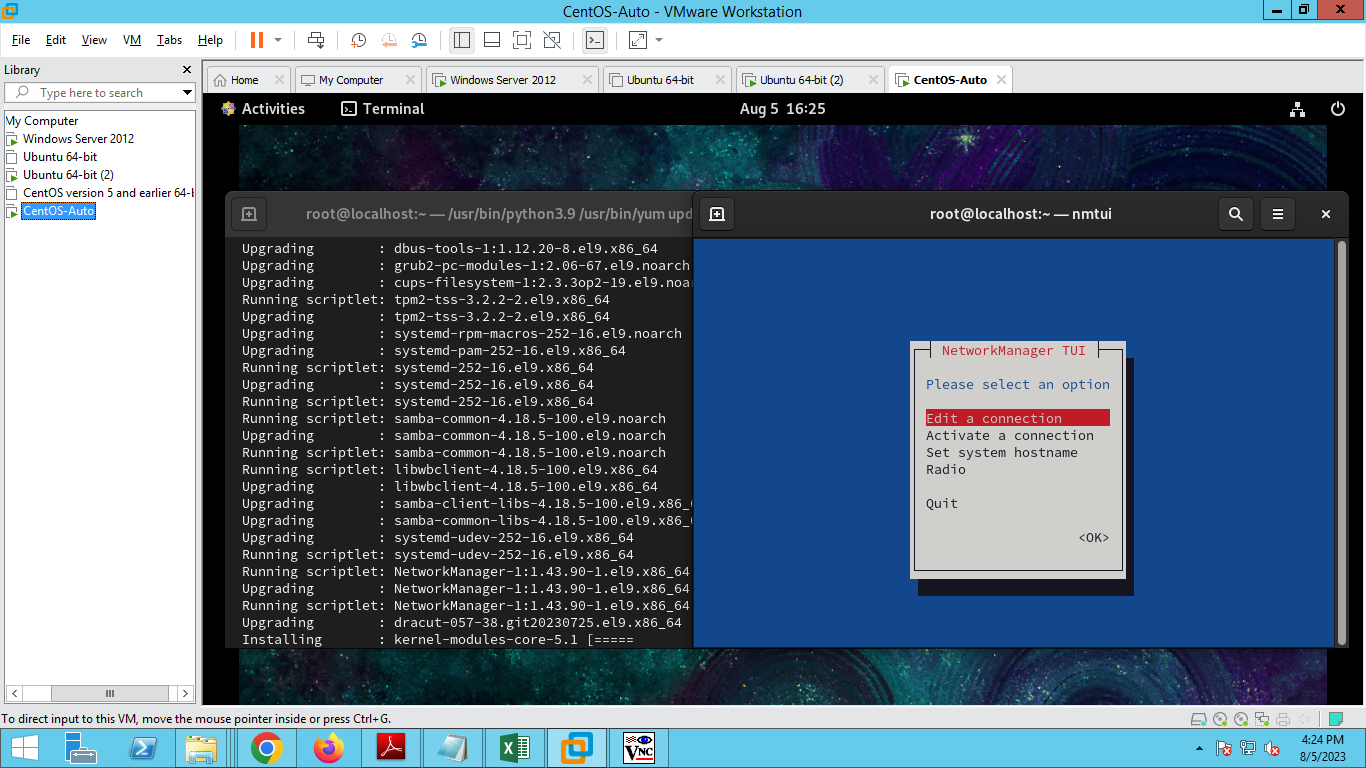
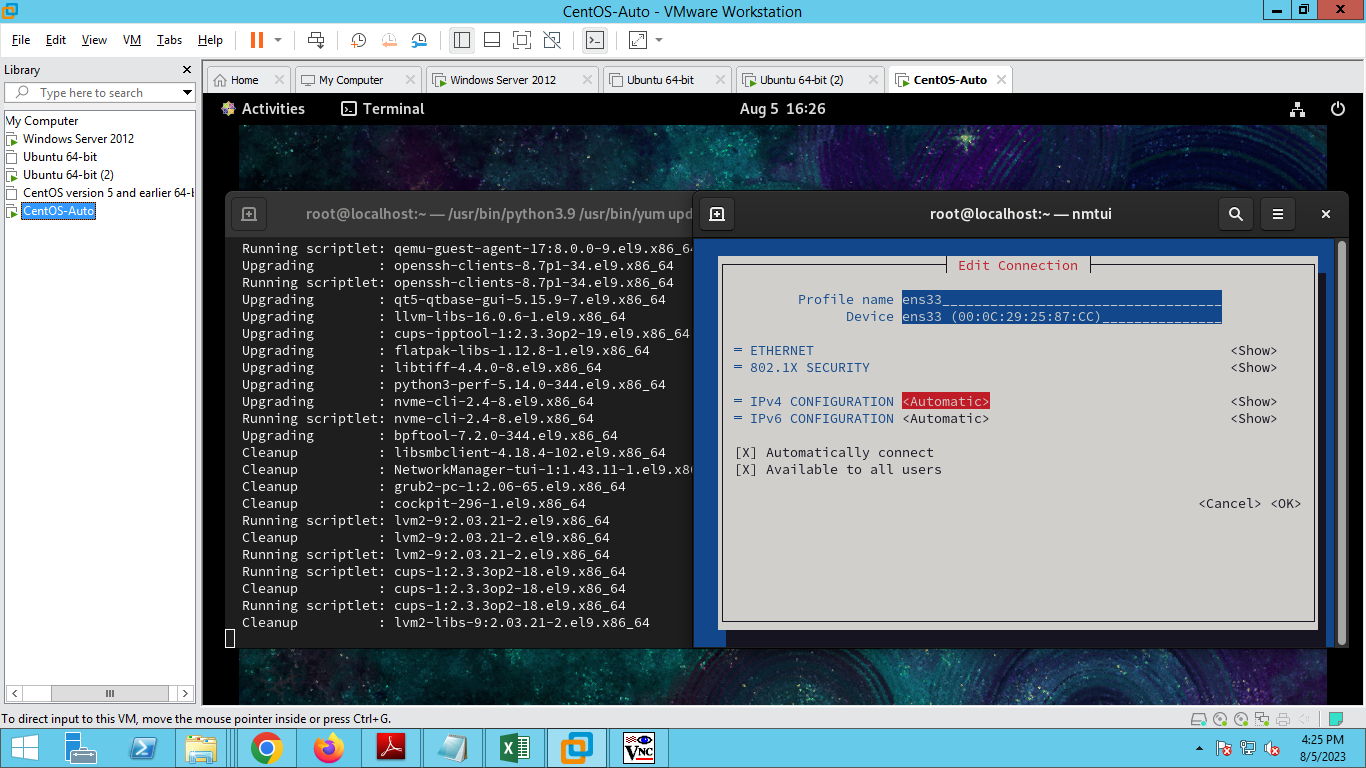
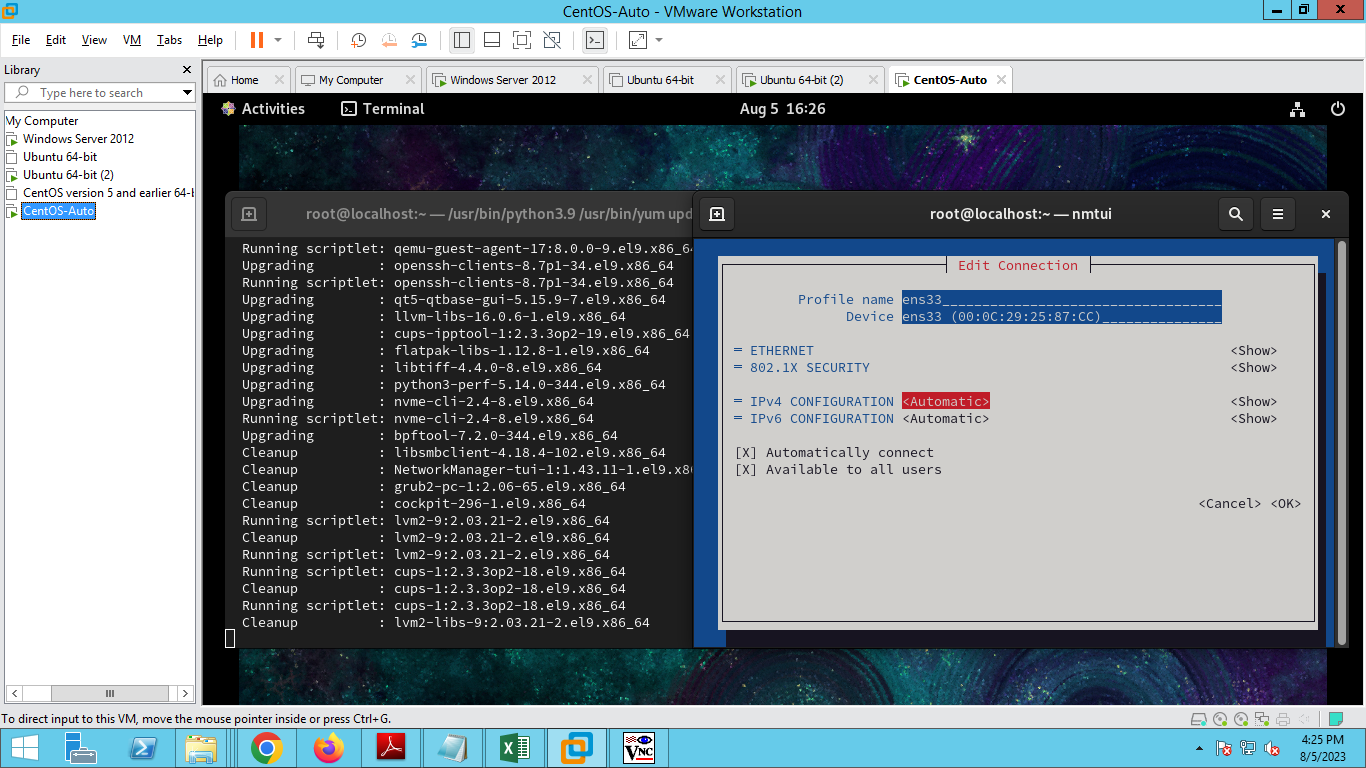
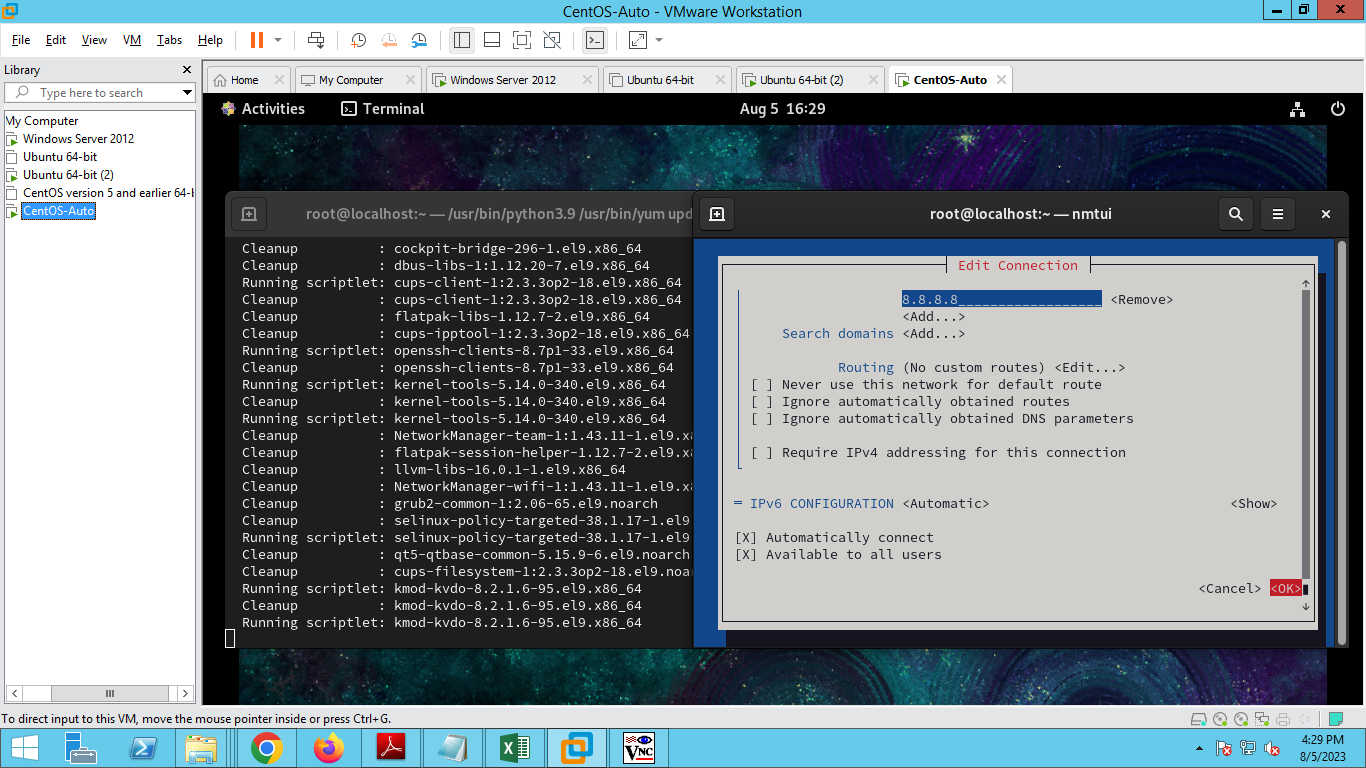
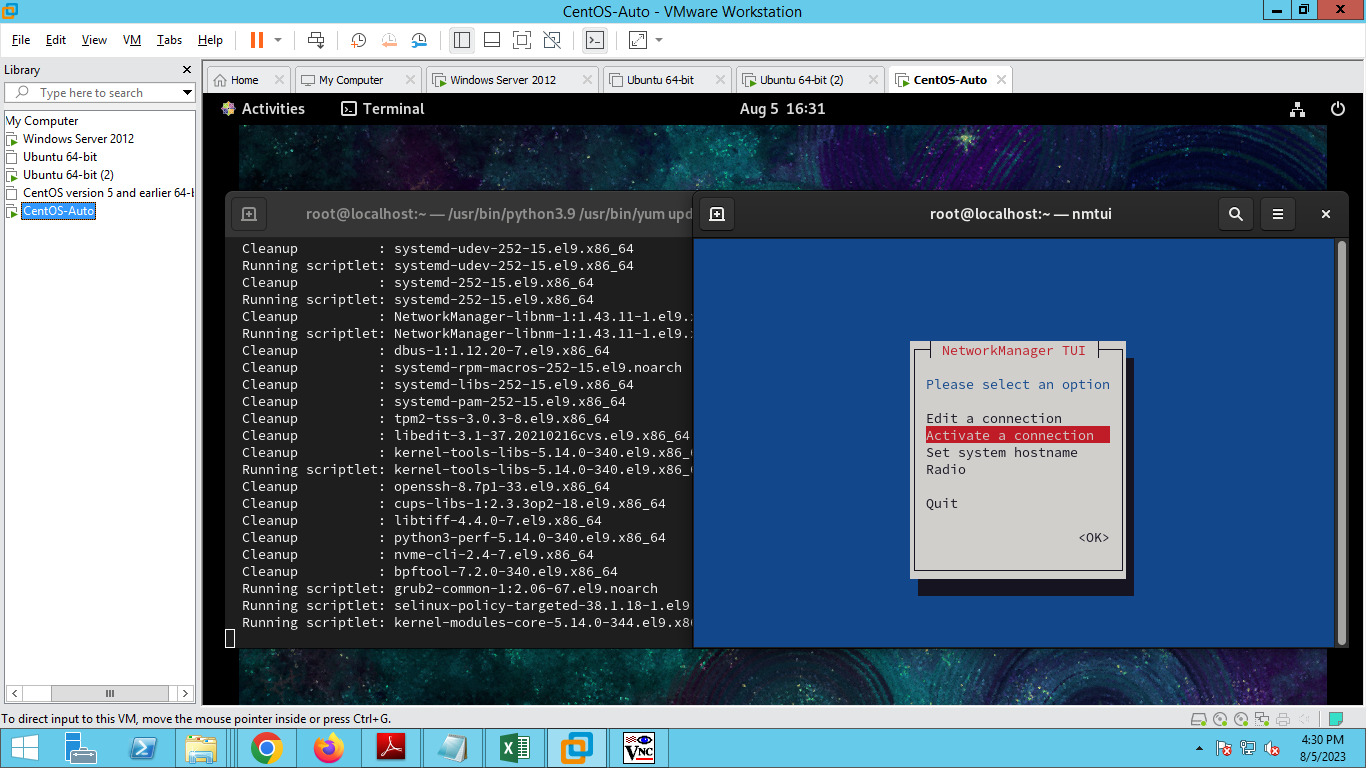
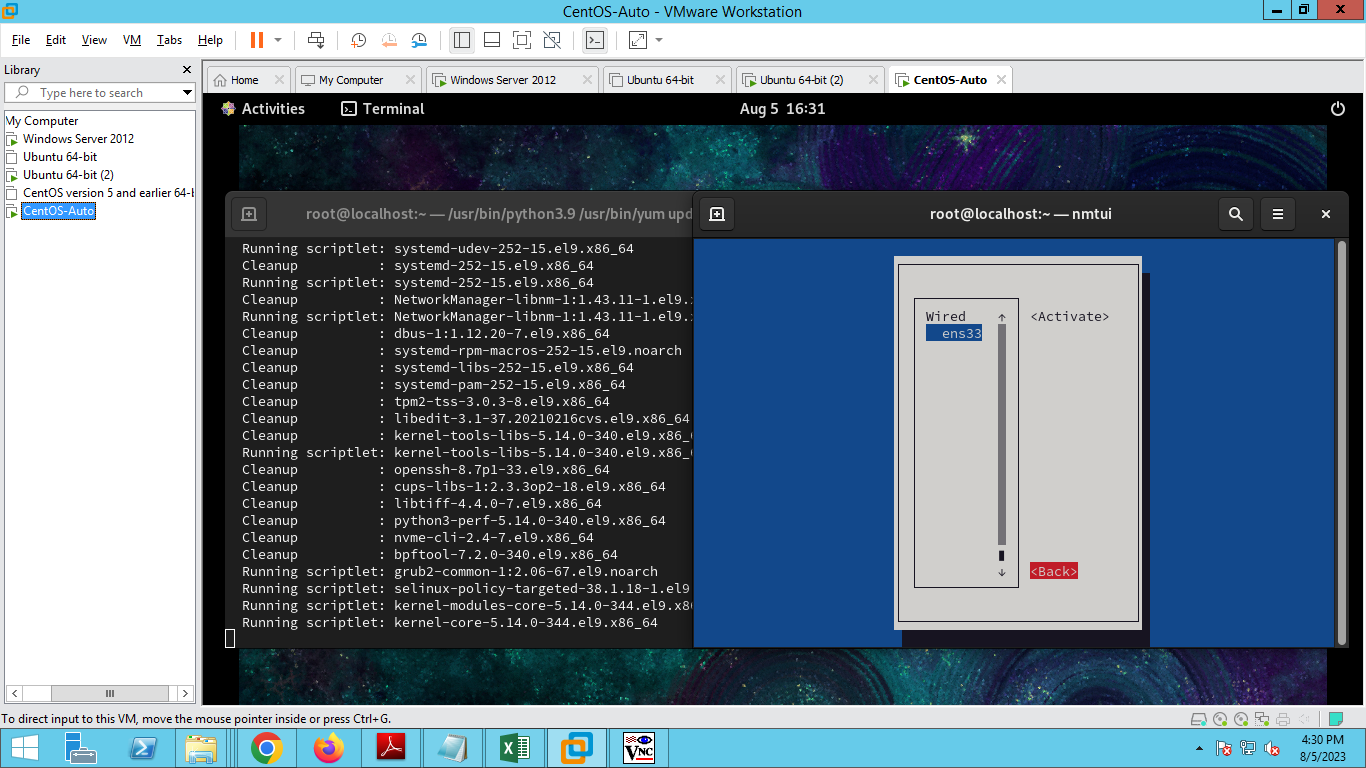
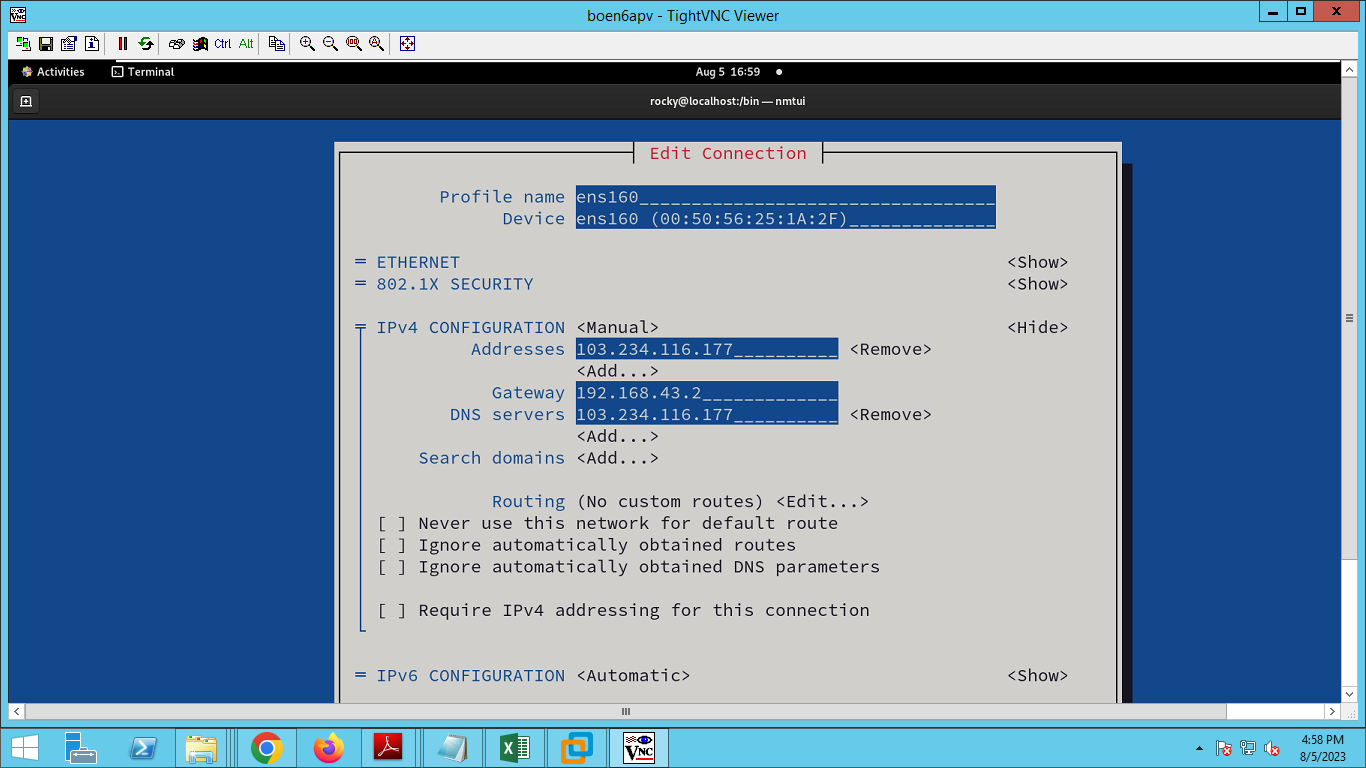
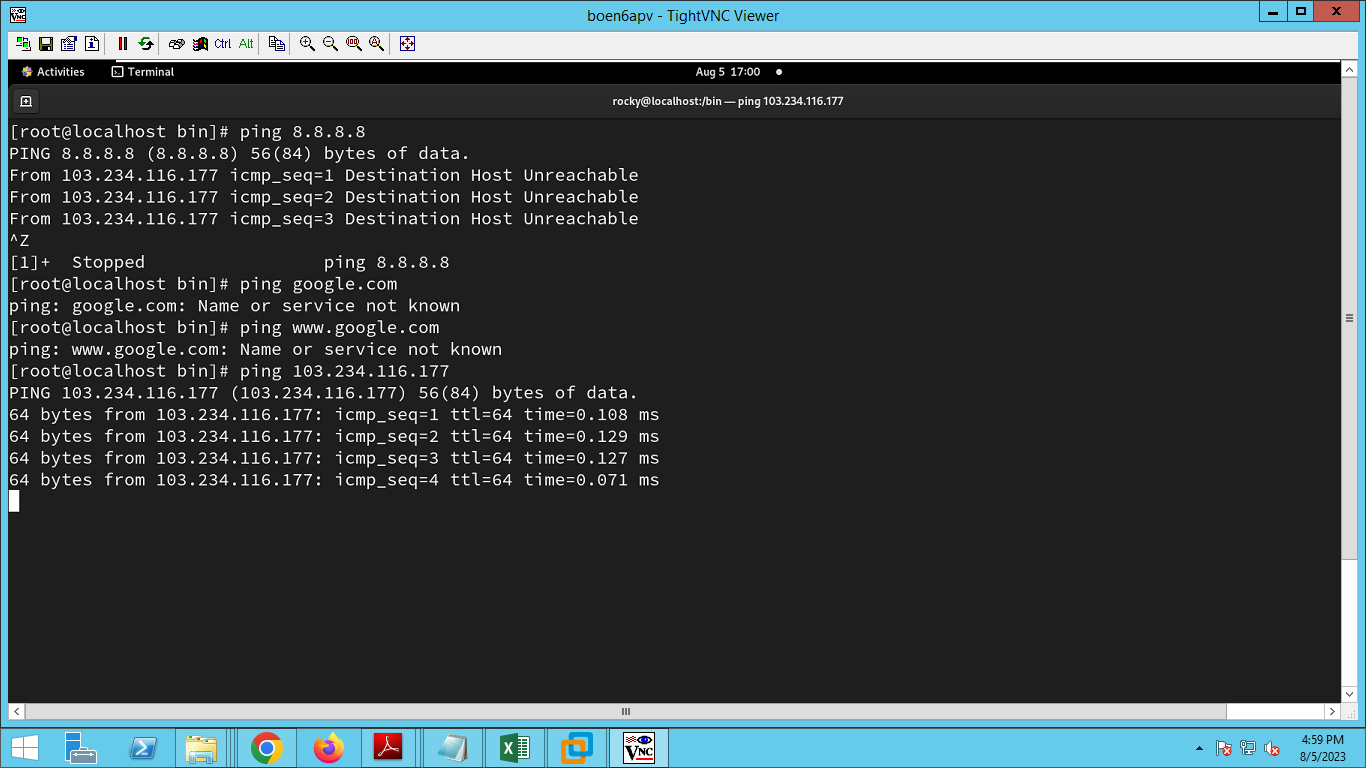
Mapped the IP Address to Hostname
host Command
dig Command
nslookup Command
$ sudo yum install bind-utils
su -l
vi /etc/hosts
add the following to the hosts file:
103.234.116.177 IN A test1.linuxreview.co.in
103.234.116.177 IN A mail.test1.linuxreview.co.in
103.234.116.177 IN A webmail.test1.linuxreview.co.in
test1.linuxreview.co.in. IN MX 10 test1.linuxreview.co.in

ping 103.234.116.177 -t